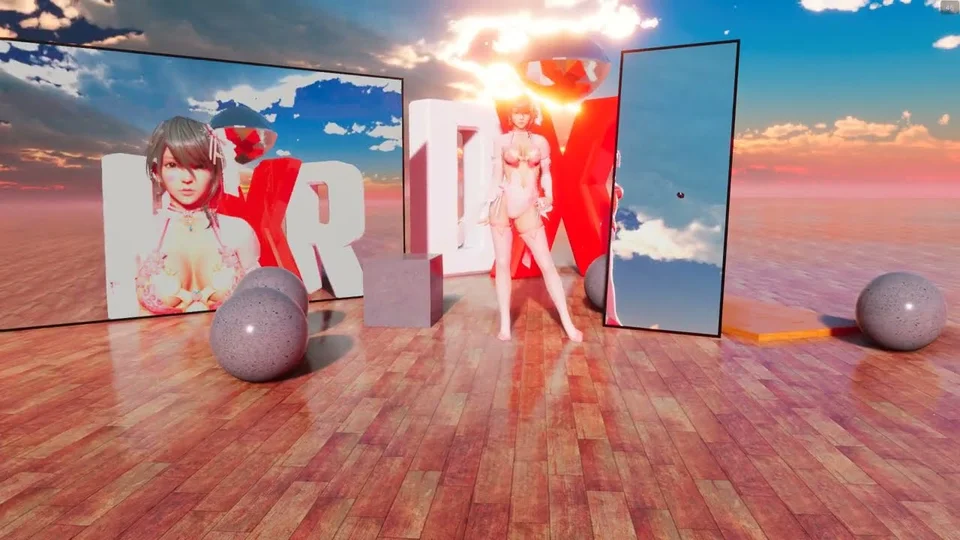
Primitive Shapes
Built-in geometric props — box, cylinder, and sphere — that you can place in the scene without needing an external model file. Useful for blocking out a stage, faking architectural elements (pillars, walls, plinths), or as physics objects that interact with actors and cloth.
Placement
Add primitives from the props menu. Each primitive supports the same placement gizmos as any other prop: move, rotate, and scale on each axis.
Materials
Each primitive has its own material settings:
- Surface color and texture.
- Smoothness / metallic.
This makes primitives useful as flat color reference props when staging a shot or testing lighting.
Physics
Primitives can be made into physics objects so they fall, collide with actors, and interact with cloth and softbody systems.
- Toggle physics in the primitive’s settings.
- Primitive colliders match the visual shape (box collider for a box, etc.).
The primitive plus the shadow-only ground mode is a common trick for AR shots: the primitive fakes a real-world object so that the model’s shadow falls on it.