HDR Display Support
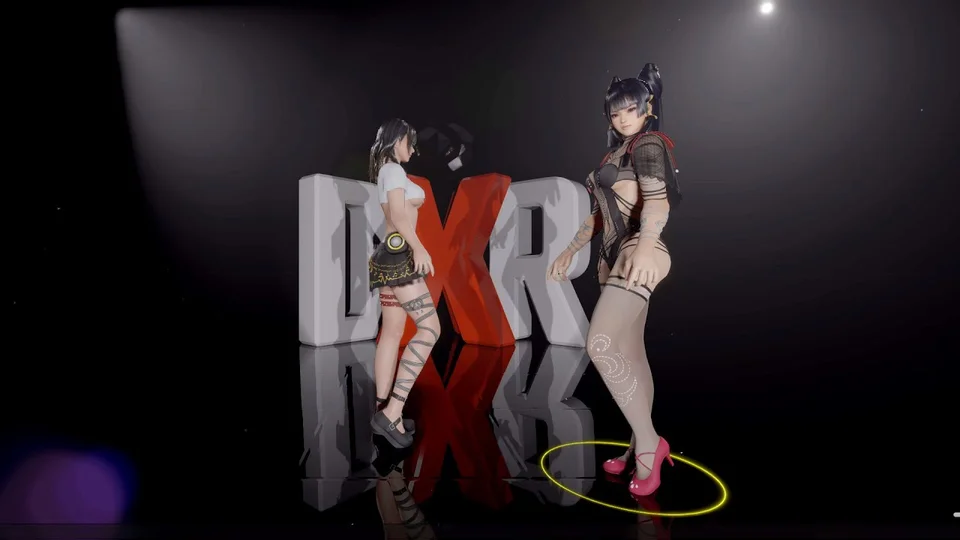
DanceXR can output to HDR (High Dynamic Range) displays, producing brighter highlights and deeper shadows simultaneously. Compared to SDR output, HDR mode preserves more contrast in scenes with strong lighting (sun on skin, stage lasers, dark interiors with point lights).
Added in 2024.1.
Requirements
- An HDR-capable display.
- HDR enabled in Windows Display Settings.
Enabling HDR
DanceXR detects HDR automatically when Windows reports HDR is on. No manual setup is required to turn it on.
To turn HDR off explicitly (for example, when comparing screenshots or recording for an SDR target), use the HDR toggle in Graphics settings.
When HDR is most visible
- Bright highlights against dark backgrounds — stage spots, laser arrays, pathtraced scenes.
- Skin tones under strong directional light — works well with skin materials.
- Sky gradients with a visible sun and moon (see Sky and the 2025.7 sky shader notes).
Related pages
- Graphics settings
- Display Settings
- Lighting
- Creator Edition — recording / video output considerations