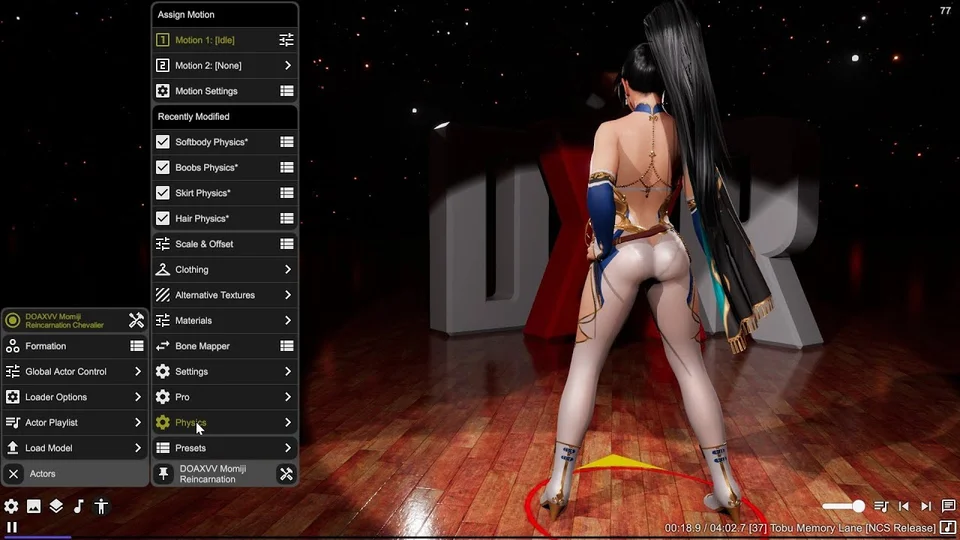
Boobs Physics
Adds physics simulation to breast bones on the model. Selected bones are given suspension joints that allow them to bounce and sway with movement, plus optional collision shapes that interact with arms and the ground.
Bone Selection
Use Select Bones to pick which bones receive physics. Opens a bone picker dialog starting from the torso — select one or two bones (left and right). Presets let you save and restore configurations across different models.
Suspension
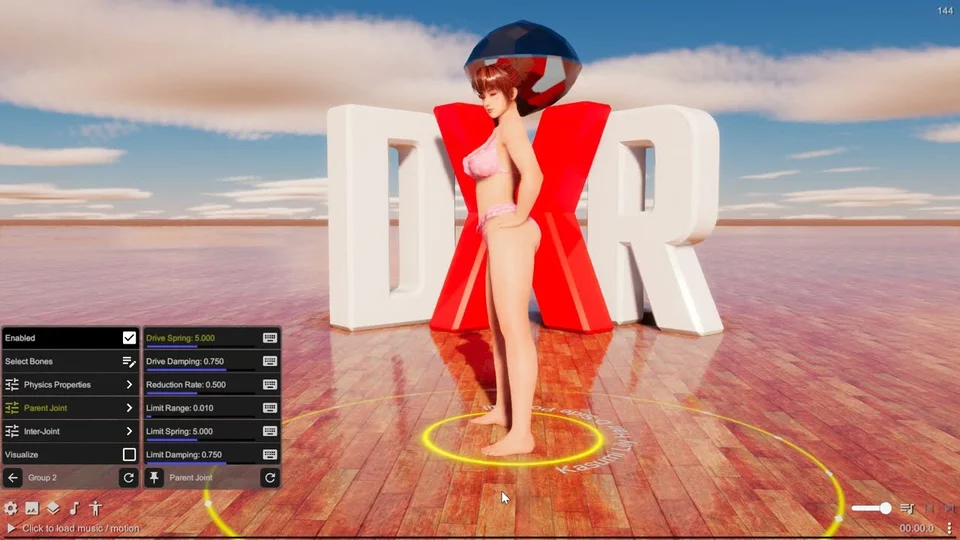
Adds spring-damper joints that anchor each bone to its parent. Controls bounce, sway, and rotation limits. See the Suspension sub-panel for detailed joint settings.
Collision
Enables SDF collider shapes (cone-like capsules) around each breast bone so they interact with arms, clothing, and the ground. Collider Radius and Collider Length set the overall size. Collider Curve shapes the profile — negative values make it more bulbous, positive values taper it toward the tip. Enable Nipple adds a small spherical collider with adjustable Nipple Position and Nipple Size. Friction controls how surfaces slide against the collider. Collide With Arms assigns the collider to a separate layer for arm-specific interactions. Visualize renders the 3D collider meshes for debugging.
Both Collider Curve and Enable Nipple are designed to work with cloth simulation, giving clothing something to slide against.
Softbody
Overlays a particle-based XPBD softbody on the child bones of each selected root, adding jiggle deformation on top of the rigid suspension physics. See the Softbody sub-panel for particle settings.
Model-specific starting points
For a model with one or two breast bones, start with suspension and test a gentle motion before increasing spring force. For a model with many child control bones, compare suspension with softbody deformation to choose the response that fits its rig. Use visualization to inspect the particles and colliders.
Keep the physics timestep consistent while comparing settings. Change stiffness and damping in small steps and repeat the same motion. Settings that fit one skeleton may not transfer to another.
Settings reference
Suspension
Adds a spring-damper suspension joint to a bone, anchoring it to its parent with configurable Anchor position and Center Offset. Spring Force, Damping, Mass, and Drag control the joint dynamics. Radius sets the collider size; Rest Angle adds a rotational bias. Rotation Limit constrains swing and twist angles with their own spring and damping. Visualize Joints renders the constraint shape.
Shape matching (Softbody)
Shape-matching softbody. Each selected bone becomes a surface particle plus a locked inner anchor; overlapping clusters pull the surface back toward its rest shape, allowing soft local deformation and jiggle. Depth controls how far the inner anchors sit from the surface; Edge Depth pulls edge anchors closer to the skeleton. Stiffness sets how strongly the shape is restored each step (0 = floppy, 1 = rigid).