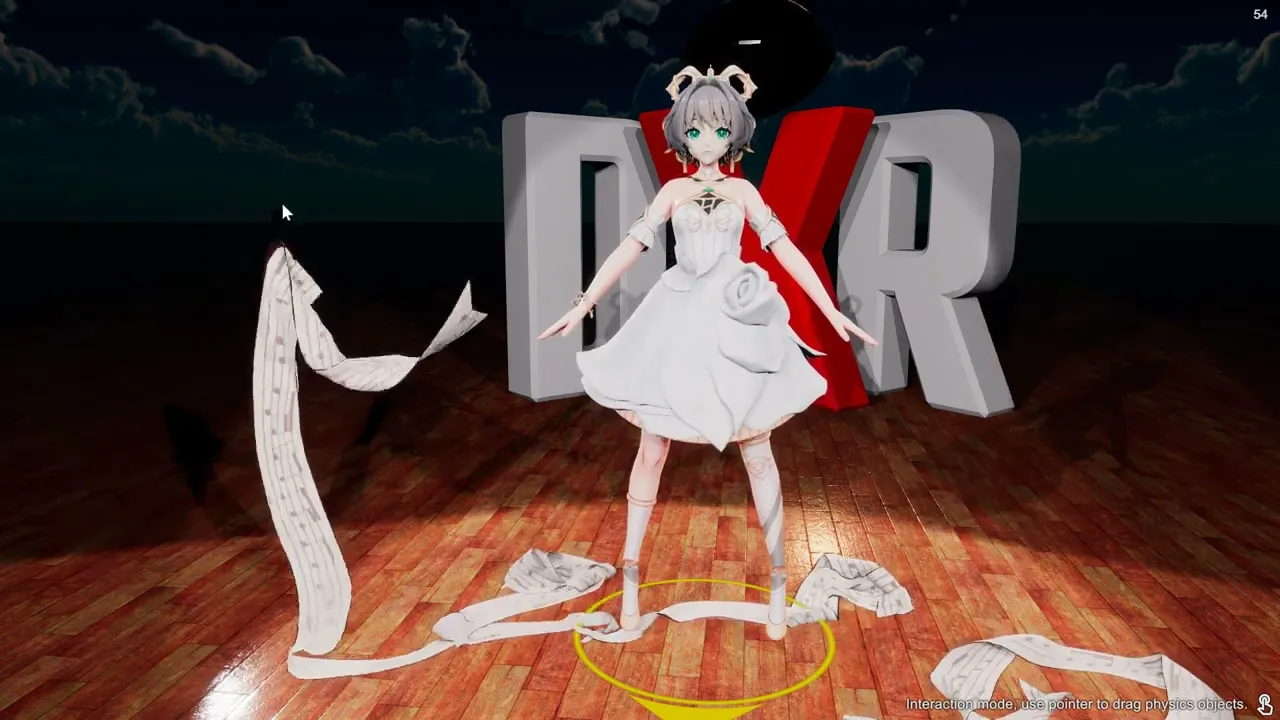
Mesh To Cloth
Simulate an existing mesh on the actor as cloth. This preserves the garment’s authored shape, unlike Cloth Simulation, which creates a new cloth layer. Skirt Physics instead drives selected bone chains.
First garment
- Open Mesh To Cloth on the actor and expand Select Mesh.
- Choose the garment mesh by its displayed name. Each mesh has an independent enable switch and configuration.
- Expand Anchor and select the bones that should hold the garment in place, such as the waist bones for a skirt. These choices use the mesh’s skinning bones; they are not manually selected vertices.
- Enable the mesh and play a gentle motion. If it falls away, check the anchor selection before increasing forces.
- Keep Gradual Enable on while testing. Its duration blends the simulated mesh in over several seconds rather than switching instantly.
Simulation region and forces
Each mesh exposes Height Range and Index Range to restrict the simulated region. Start with their defaults, then narrow the region if only part of the mesh should respond. Tune the shared Particle Properties after the mesh and anchors are correct: gravity, drag, friction, wind and collision layers affect the converted meshes.
For contact with the body, configure Body Colliders and appropriate collision layers. A conversion alone does not guarantee the garment fits the character’s body; inspect the collider sizes when fabric intersects it.
Returning to the original mesh
Turn off the mesh’s enable switch to remove its simulation and restore the original render mesh. Test one garment at a time so anchor and collision problems are easy to isolate. The mesh list is built from the loaded actor, so it differs between models; the generic configuration reference cannot list every model’s meshes.
Settings reference
Particle Properties
Sets the shared forces and collision behavior for particle simulation. Gravity controls downward acceleration; Drag (Air) and Drag (Underwater) slow movement, while Buoyancy affects submerged particles. Wind tunes how global wind and turbulence influence the particles. Friction controls sliding at contact, and collision-layer selection determines which objects interact. Keep the default values while selecting and anchoring a mesh, then change one parameter at a time to tune its response.