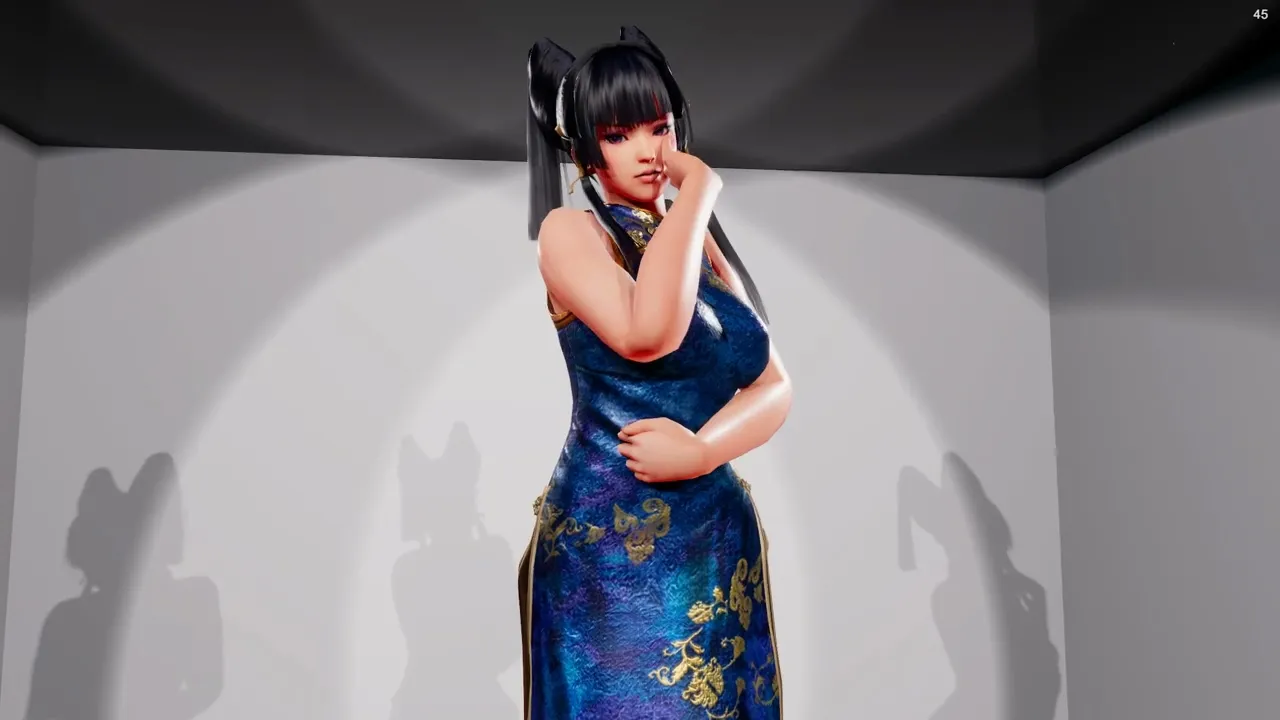
Pose Files
DanceXR can load static pose files in .pose (XPS / XNALara) and .vpd (MMD / PMX) formats and use them either as a single pose or as a sequence of poses with automatic transitions between them.
Added in 2024.6.
Where pose files live
Place pose files in your motions/ folder in the content library. They appear alongside VMD and BVH files in the motion picker.
Using a single pose
- Load an actor.
- Open the motion menu and select the
.poseor.vpdfile like any motion. - The actor snaps into the saved pose.
Pose sequences (auto-generated motion)
If you keep multiple pose files in a single directory, you can load all of them as a generated motion sequence:
- In the motion picker, select the folder that contains the poses.
- Use the bottom-right options:
- Load as sequence — plays the poses in folder order.
- Load as random sequence — plays them in a random order.
DanceXR creates transition motion between each pose automatically, so the actor moves smoothly from one pose to the next instead of snapping.
Transition motion settings
Open the sequence settings menu to fine-tune transitions:
- Transition duration — how long the move from pose A to pose B takes.
- Transition anchoring — keeps a body part fixed during the transition. Feet anchoring works well for standing poses so the model doesn’t slide.
Cross-format pose adjustments
.pose files are authored for XPS rigs and .vpd files for PMX rigs. When you apply a pose across formats, arms and legs may need a manual offset:
- Use the arm angle and leg angle adjustments in the pose / sequence settings to make a
.poselook right on a PMX model, or a.vpdlook right on an XPS model.