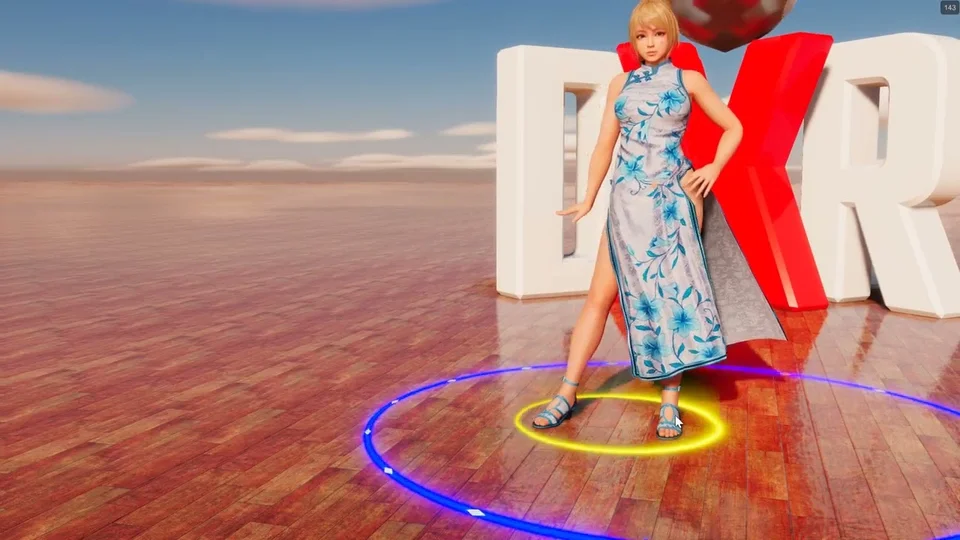
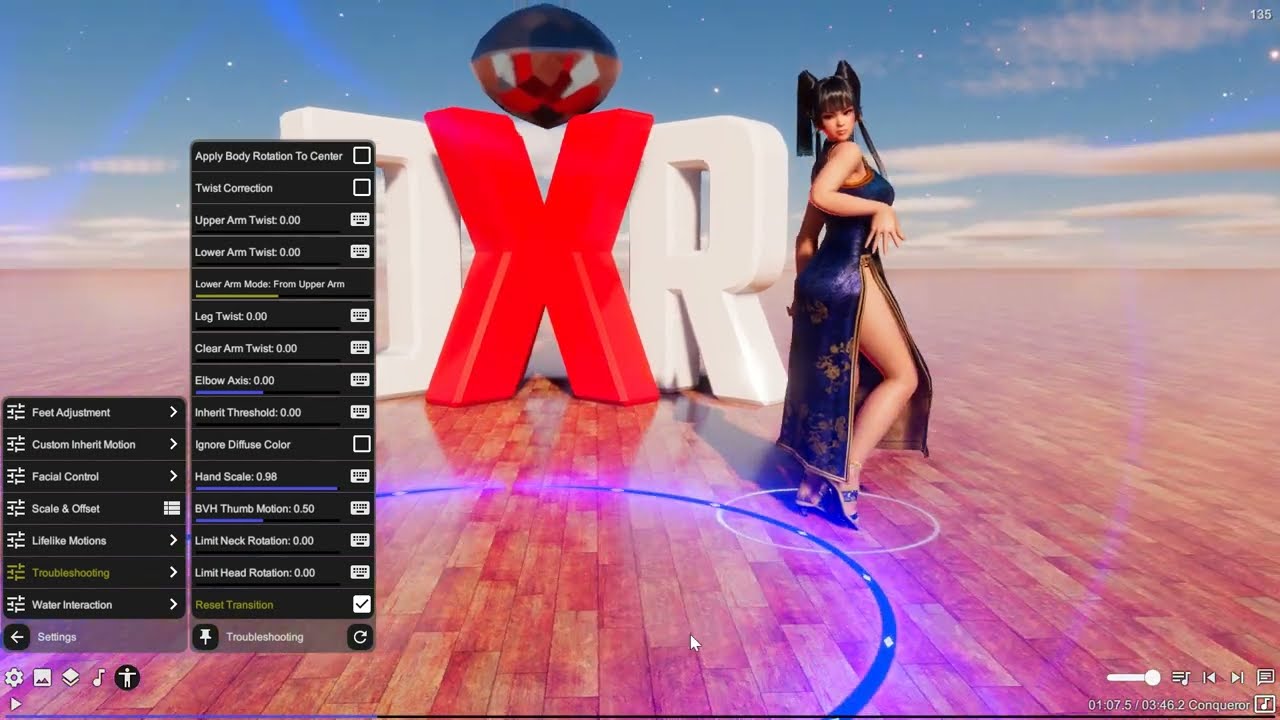
Skirt Physics
Adds physics simulation to skirt or dress meshes on the model. Supports up to 8 bone groups with configurable joints, colliders, and particle-based mesh deformation.
Group Management
The Primary Group is always active and defines the main physics chain. Additional Groups adds up to 7 more groups, each with its own bone selection. Non-primary groups can inherit settings from the primary group or override them via Override Physics.
Bone Selection
Each group has a Select Bones picker to choose root bones. Sorting organizes bones for lateral connections — Shortest Path, Circular, Linear, or No Sorting. Closed Loop connects the first and last bone at each level for seamless ring structures. Skip First X Bones excludes initial levels from physics, keeping the waist area firm.
Physics Mode
Auto follows the system-wide default. PhysX uses joint-based rigid body physics with box, capsule, or sphere colliders. XPBD uses a particle-based mesh simulation for more stable, continuous deformation. The mode determines which settings panel is shown.
PhysX Settings
Visible when using PhysX mode. Contains nested panels for Physics Properties (mass, drag, friction, solver iterations), Parent-Child Joint (swing/twist drive), Lateral Joint (linear/angular connections between adjacent bones), and Collider parameters (type, radius, length). First Collider Length is typically shorter to avoid interference with body colliders.
XPBD Settings
Visible when using XPBD mode. Configures particle-based mesh simulation via the XPartMesh system with rotation, twist, and lateral compliance values.
Visualization
Visualize Bodies renders collider shapes for physics bodies. Visualize Joints shows joint limits and drive targets as wireframe gizmos.
Sub-Components
Primary Group
Nested config for a single skirt physics group. Select Bones picks the root bone chain. Sorting organizes bones for lateral connections. Closed Loop connects the first and last bone at each level. Skip First X Bones excludes initial levels from physics. Physics Mode chooses PhysX or XPBD (primary group only). Visualize Bodies/Joints shows debug geometry. Contains nested PhysX Settings with Physics Properties, Parent-Child Joint, Lateral Joint, and Collider sub-configs, or an XPBD Settings particle mesh config.
XPBD Settings
Configures particle-based chain or mesh simulation for hair, cloth, and other dangling parts. Rotation Compliance controls how much the chain bends at each joint (higher = more flexible). Twist Compliance controls rotation around the bone axis. For mesh mode, Lateral Compliance adds cross-connections between adjacent chains.
Stiffness Reduction (power-of-10 scale) multiplies compliance at each level — values above 1 make the chain progressively looser toward the tip. Mass Reduction (power-of-2 scale) reduces mass at each level. Particle Anchor positions the joint along the segment. Constraint Damping smooths oscillation between solver steps. Inertia adds resistance to movement changes. Particle Radius sets the collider size in millimeters. Use Sphere Shape replaces capsule particles with spheres for debugging.
Group 2
Nested config for a single skirt physics group. Select Bones picks the root bone chain. Sorting organizes bones for lateral connections. Closed Loop connects the first and last bone at each level. Skip First X Bones excludes initial levels from physics. Physics Mode chooses PhysX or XPBD (primary group only). Visualize Bodies/Joints shows debug geometry. Contains nested PhysX Settings with Physics Properties, Parent-Child Joint, Lateral Joint, and Collider sub-configs, or an XPBD Settings particle mesh config.
XPBD Settings
Configures particle-based chain or mesh simulation for hair, cloth, and other dangling parts. Rotation Compliance controls how much the chain bends at each joint (higher = more flexible). Twist Compliance controls rotation around the bone axis. For mesh mode, Lateral Compliance adds cross-connections between adjacent chains.
Stiffness Reduction (power-of-10 scale) multiplies compliance at each level — values above 1 make the chain progressively looser toward the tip. Mass Reduction (power-of-2 scale) reduces mass at each level. Particle Anchor positions the joint along the segment. Constraint Damping smooths oscillation between solver steps. Inertia adds resistance to movement changes. Particle Radius sets the collider size in millimeters. Use Sphere Shape replaces capsule particles with spheres for debugging.
Group 3
Nested config for a single skirt physics group. Select Bones picks the root bone chain. Sorting organizes bones for lateral connections. Closed Loop connects the first and last bone at each level. Skip First X Bones excludes initial levels from physics. Physics Mode chooses PhysX or XPBD (primary group only). Visualize Bodies/Joints shows debug geometry. Contains nested PhysX Settings with Physics Properties, Parent-Child Joint, Lateral Joint, and Collider sub-configs, or an XPBD Settings particle mesh config.
XPBD Settings
Configures particle-based chain or mesh simulation for hair, cloth, and other dangling parts. Rotation Compliance controls how much the chain bends at each joint (higher = more flexible). Twist Compliance controls rotation around the bone axis. For mesh mode, Lateral Compliance adds cross-connections between adjacent chains.
Stiffness Reduction (power-of-10 scale) multiplies compliance at each level — values above 1 make the chain progressively looser toward the tip. Mass Reduction (power-of-2 scale) reduces mass at each level. Particle Anchor positions the joint along the segment. Constraint Damping smooths oscillation between solver steps. Inertia adds resistance to movement changes. Particle Radius sets the collider size in millimeters. Use Sphere Shape replaces capsule particles with spheres for debugging.
Group 4
Nested config for a single skirt physics group. Select Bones picks the root bone chain. Sorting organizes bones for lateral connections. Closed Loop connects the first and last bone at each level. Skip First X Bones excludes initial levels from physics. Physics Mode chooses PhysX or XPBD (primary group only). Visualize Bodies/Joints shows debug geometry. Contains nested PhysX Settings with Physics Properties, Parent-Child Joint, Lateral Joint, and Collider sub-configs, or an XPBD Settings particle mesh config.
XPBD Settings
Configures particle-based chain or mesh simulation for hair, cloth, and other dangling parts. Rotation Compliance controls how much the chain bends at each joint (higher = more flexible). Twist Compliance controls rotation around the bone axis. For mesh mode, Lateral Compliance adds cross-connections between adjacent chains.
Stiffness Reduction (power-of-10 scale) multiplies compliance at each level — values above 1 make the chain progressively looser toward the tip. Mass Reduction (power-of-2 scale) reduces mass at each level. Particle Anchor positions the joint along the segment. Constraint Damping smooths oscillation between solver steps. Inertia adds resistance to movement changes. Particle Radius sets the collider size in millimeters. Use Sphere Shape replaces capsule particles with spheres for debugging.
Group 5
Nested config for a single skirt physics group. Select Bones picks the root bone chain. Sorting organizes bones for lateral connections. Closed Loop connects the first and last bone at each level. Skip First X Bones excludes initial levels from physics. Physics Mode chooses PhysX or XPBD (primary group only). Visualize Bodies/Joints shows debug geometry. Contains nested PhysX Settings with Physics Properties, Parent-Child Joint, Lateral Joint, and Collider sub-configs, or an XPBD Settings particle mesh config.
XPBD Settings
Configures particle-based chain or mesh simulation for hair, cloth, and other dangling parts. Rotation Compliance controls how much the chain bends at each joint (higher = more flexible). Twist Compliance controls rotation around the bone axis. For mesh mode, Lateral Compliance adds cross-connections between adjacent chains.
Stiffness Reduction (power-of-10 scale) multiplies compliance at each level — values above 1 make the chain progressively looser toward the tip. Mass Reduction (power-of-2 scale) reduces mass at each level. Particle Anchor positions the joint along the segment. Constraint Damping smooths oscillation between solver steps. Inertia adds resistance to movement changes. Particle Radius sets the collider size in millimeters. Use Sphere Shape replaces capsule particles with spheres for debugging.
Group 6
Nested config for a single skirt physics group. Select Bones picks the root bone chain. Sorting organizes bones for lateral connections. Closed Loop connects the first and last bone at each level. Skip First X Bones excludes initial levels from physics. Physics Mode chooses PhysX or XPBD (primary group only). Visualize Bodies/Joints shows debug geometry. Contains nested PhysX Settings with Physics Properties, Parent-Child Joint, Lateral Joint, and Collider sub-configs, or an XPBD Settings particle mesh config.
XPBD Settings
Configures particle-based chain or mesh simulation for hair, cloth, and other dangling parts. Rotation Compliance controls how much the chain bends at each joint (higher = more flexible). Twist Compliance controls rotation around the bone axis. For mesh mode, Lateral Compliance adds cross-connections between adjacent chains.
Stiffness Reduction (power-of-10 scale) multiplies compliance at each level — values above 1 make the chain progressively looser toward the tip. Mass Reduction (power-of-2 scale) reduces mass at each level. Particle Anchor positions the joint along the segment. Constraint Damping smooths oscillation between solver steps. Inertia adds resistance to movement changes. Particle Radius sets the collider size in millimeters. Use Sphere Shape replaces capsule particles with spheres for debugging.
Group 7
Nested config for a single skirt physics group. Select Bones picks the root bone chain. Sorting organizes bones for lateral connections. Closed Loop connects the first and last bone at each level. Skip First X Bones excludes initial levels from physics. Physics Mode chooses PhysX or XPBD (primary group only). Visualize Bodies/Joints shows debug geometry. Contains nested PhysX Settings with Physics Properties, Parent-Child Joint, Lateral Joint, and Collider sub-configs, or an XPBD Settings particle mesh config.
XPBD Settings
Configures particle-based chain or mesh simulation for hair, cloth, and other dangling parts. Rotation Compliance controls how much the chain bends at each joint (higher = more flexible). Twist Compliance controls rotation around the bone axis. For mesh mode, Lateral Compliance adds cross-connections between adjacent chains.
Stiffness Reduction (power-of-10 scale) multiplies compliance at each level — values above 1 make the chain progressively looser toward the tip. Mass Reduction (power-of-2 scale) reduces mass at each level. Particle Anchor positions the joint along the segment. Constraint Damping smooths oscillation between solver steps. Inertia adds resistance to movement changes. Particle Radius sets the collider size in millimeters. Use Sphere Shape replaces capsule particles with spheres for debugging.
Group 8
Nested config for a single skirt physics group. Select Bones picks the root bone chain. Sorting organizes bones for lateral connections. Closed Loop connects the first and last bone at each level. Skip First X Bones excludes initial levels from physics. Physics Mode chooses PhysX or XPBD (primary group only). Visualize Bodies/Joints shows debug geometry. Contains nested PhysX Settings with Physics Properties, Parent-Child Joint, Lateral Joint, and Collider sub-configs, or an XPBD Settings particle mesh config.
XPBD Settings
Configures particle-based chain or mesh simulation for hair, cloth, and other dangling parts. Rotation Compliance controls how much the chain bends at each joint (higher = more flexible). Twist Compliance controls rotation around the bone axis. For mesh mode, Lateral Compliance adds cross-connections between adjacent chains.
Stiffness Reduction (power-of-10 scale) multiplies compliance at each level — values above 1 make the chain progressively looser toward the tip. Mass Reduction (power-of-2 scale) reduces mass at each level. Particle Anchor positions the joint along the segment. Constraint Damping smooths oscillation between solver steps. Inertia adds resistance to movement changes. Particle Radius sets the collider size in millimeters. Use Sphere Shape replaces capsule particles with spheres for debugging.